Best Webcams for Zoom Calls in 2026
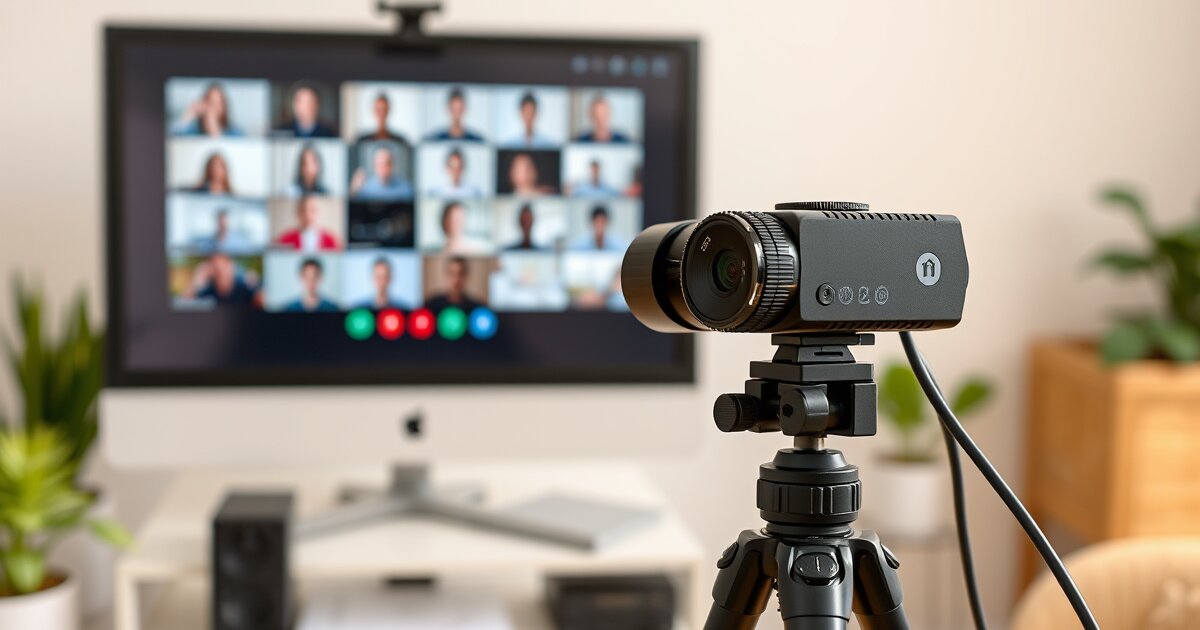
Your laptop webcam makes you look like you're in witness protection. A proper webcam is one of the highest-ROI upgrades for anyone who does video calls — and in 2026, that's basically everyone.
I've tested these webcams on Zoom, Teams, Google Meet, and Discord. Here's what actually matters and which webcams deliver.
Quick Picks
| Webcam | Price | Resolution | Best For | Rating |
|---|---|---|---|---|
| Logitech Brio 500 | $129 | 1080p/30fps | Best Overall | ⭐ 9.3/10 |
| Logitech Brio 4K | $179 | 4K/30fps | Best Premium | ⭐ 9.0/10 |
| Insta360 Link | $199 | 4K/30fps | Best Auto-Tracking | ⭐ 8.8/10 |
| Logitech C920s | $59 | 1080p/30fps | Best Budget | ⭐ 8.5/10 |
| Anker PowerConf C200 | $39 | 1080p/30fps | Best Under $50 | ⭐ 8.0/10 |
1. Logitech Brio 500 — Best Overall ($129)
The Brio 500 hits the sweet spot. 1080p at 30fps with Logitech's excellent auto-exposure, auto-framing (keeps you centered in the frame), and RightLight 4 technology for great low-light performance. The built-in privacy shutter and dual noise-reducing microphones round out a complete package.
Show Mode lets you tilt the camera down to show your desk — useful for product demos or drawing on paper. It's the webcam I use daily and recommend to everyone who asks.
2. Logitech Brio 4K — Best Premium ($179)
If you record video content, stream, or just want the sharpest possible image, the Brio 4K is the gold standard. 4K resolution at 30fps, HDR, and the best low-light performance of any webcam. On Zoom it'll display at 1080p, but the extra sensor resolution means better digital zoom and cropping.
3. Insta360 Link — Best Auto-Tracking ($199)
The Insta360 Link is the most technologically impressive webcam on the market. Its AI-powered gimbal physically rotates to track your face and body as you move. Stand up, walk around, use a whiteboard — the camera follows you. It's like having a camera operator.
4. Logitech C920s — Best Budget ($59)
The C920s has been the reliable mid-range webcam for years, and in 2026 it's a budget gem at $59. 1080p/30fps, dual microphones, privacy shutter. It doesn't have the fancy features of the Brio 500, but the image quality is excellent for the price. If you're on 3+ video calls per week, this is the minimum I'd recommend.
5. Anker PowerConf C200 — Best Under $50 ($39)
Anker's C200 is a steal at $39. It delivers surprisingly good 1080p video, has a built-in privacy cover, and the noise-cancelling microphone is better than you'd expect at this price. If you need a webcam upgrade on a tight budget, this is it.
Video Call Tips for Looking Professional
- Lighting matters more than camera quality. A monitor light bar or a ring light makes even cheap webcams look great.
- Position camera at eye level. Use a monitor arm or laptop stand — looking down at a camera is unflattering.
- Clean background. A tidy bookshelf or plain wall beats a virtual background every time.
- Use a dedicated microphone if you're on calls frequently — even a $30 USB mic sounds dramatically better than any webcam mic.
📚 Related Articles
Get our best setup tips and product picks each week.
Get the free newsletter →